This guide will take you through the steps to remind learners in your organization to get started on their courses. Email notifications will be sent to the learners after following the below actions.
Video Instructions
Step-By-Step Instructions
- Login to your RefReps Instructor account (https://learn.refreps.com/login).
- There are two ways to send a nudge to your learners -
- From the Instructor Dashboard:
- Navigate to the "No Progress" box on your Dashboard to see all courses your learners have not started.
- Check the box next to the course you would like to notify the learner about, then click send.
- From the Manage Learners tab
- Click the orange eye icon within a learner's profile box
- Check the course to send a nudge for, then send the reminder
- From the Instructor Dashboard:
After a reminder is sent to your learner, they will be removed from the "No Progress" box and ineligible for another reminder for 24 hours. An example nudge email is shown below.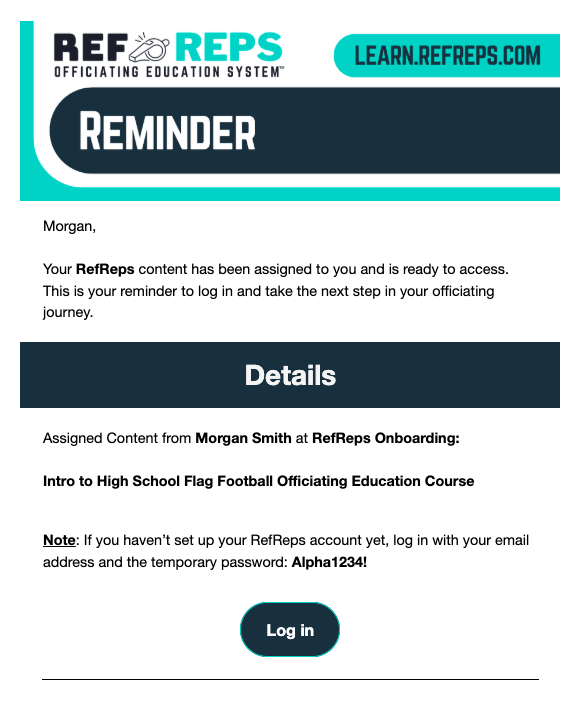
Was this article helpful?
That’s Great!
Thank you for your feedback
Sorry! We couldn't be helpful
Thank you for your feedback
Feedback sent
We appreciate your effort and will try to fix the article