RefReps will periodically update courses in accordance with rules adjustments made by governing bodies like NFHS, NCAA, or NIRSA. This quickguide highlights how you can update the course for your organization on behalf of your learners and keep track of the changes themselves.
Step-By-Step Instructions for Accessing and Updating Courses
- Login to your RefReps Instructor account (https://learn.refreps.com/login)
- Navigate to your organization's courses by clicking the "Educational Courses" icon on the left-hand navigation bar.
- Courses with an available update will display the following "UPDATE AVAILABLE" language:
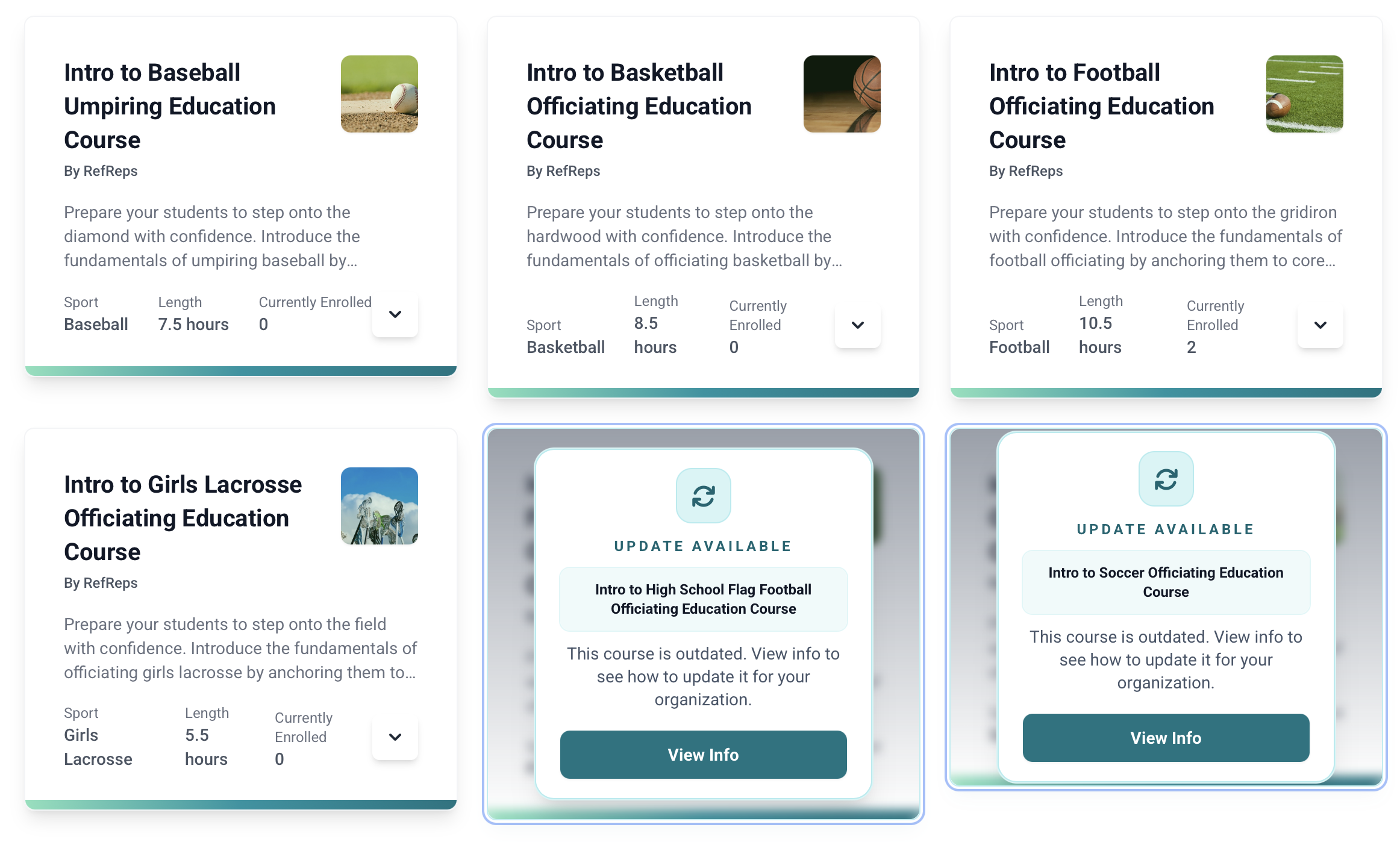
- Select "View Info" to display an additional update notification.
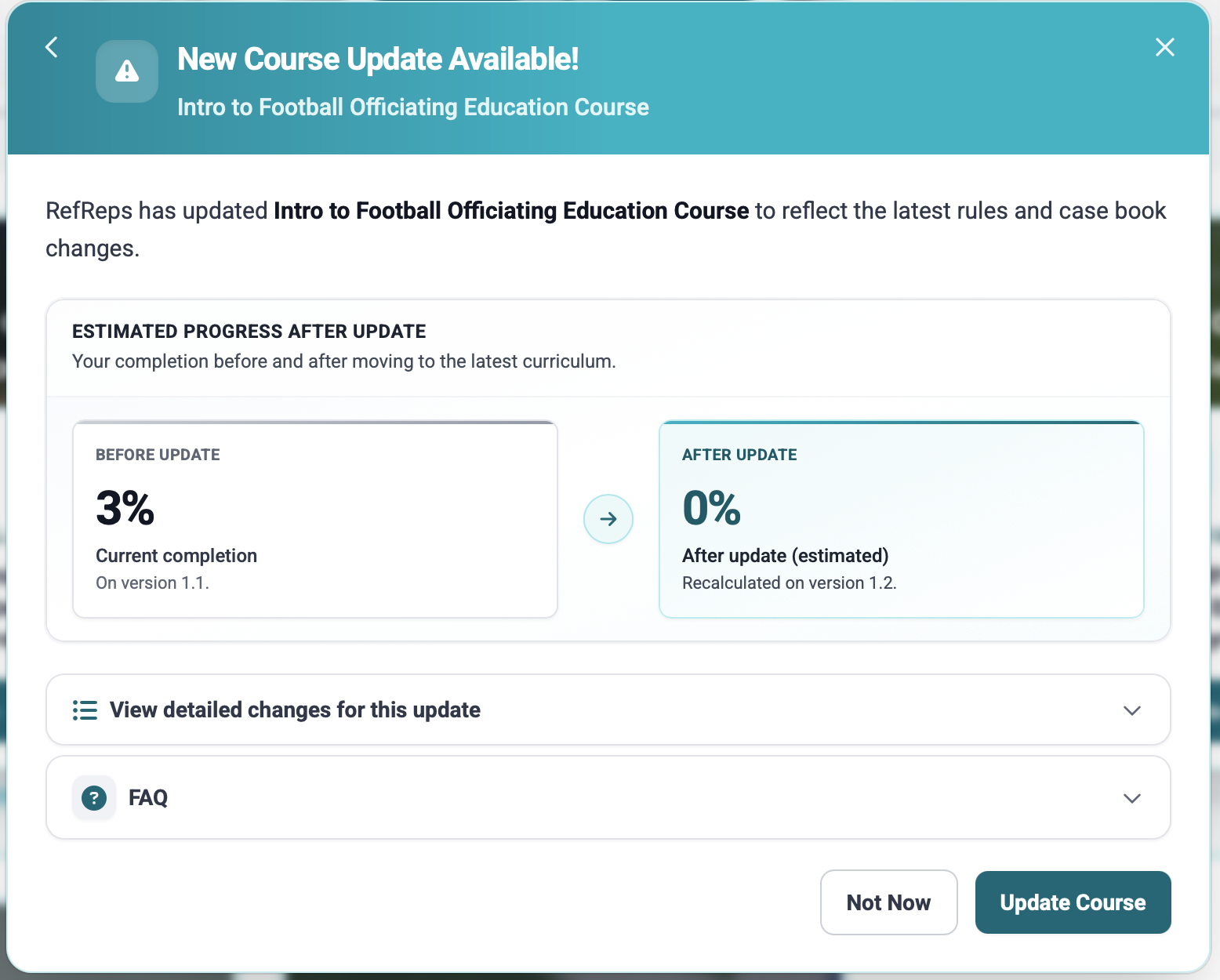
- After continuing through the update notification you will arrive at the below screen which will highlight:
- Estimated completion after the update. This may update due to the re-ordering or addition of videos. As an Instructor this is will serve as an example, though Learners going through updates will see their actual progress.
- Details for the changes are accessible here.
Was this article helpful?
That’s Great!
Thank you for your feedback
Sorry! We couldn't be helpful
Thank you for your feedback
Feedback sent
We appreciate your effort and will try to fix the article